
Work Text:
Mobile
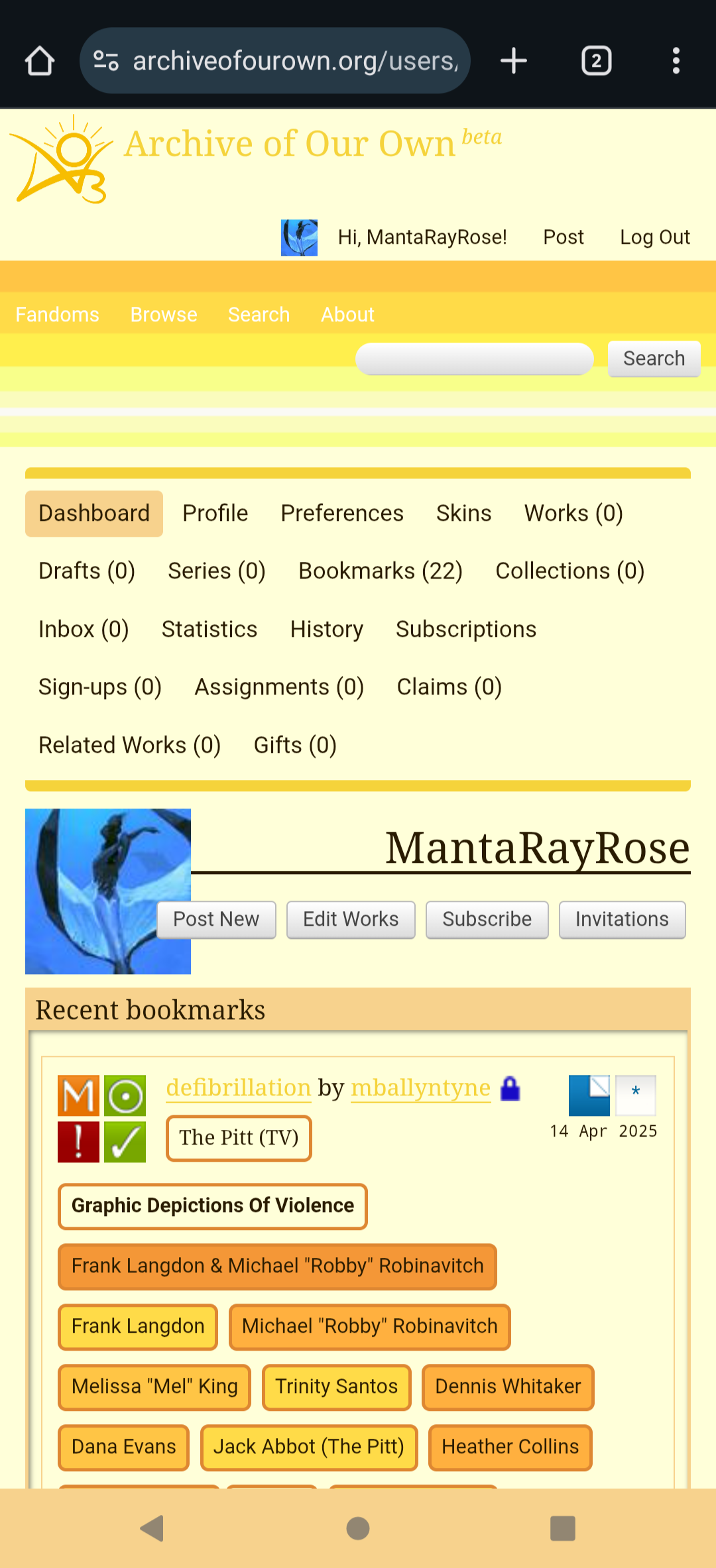
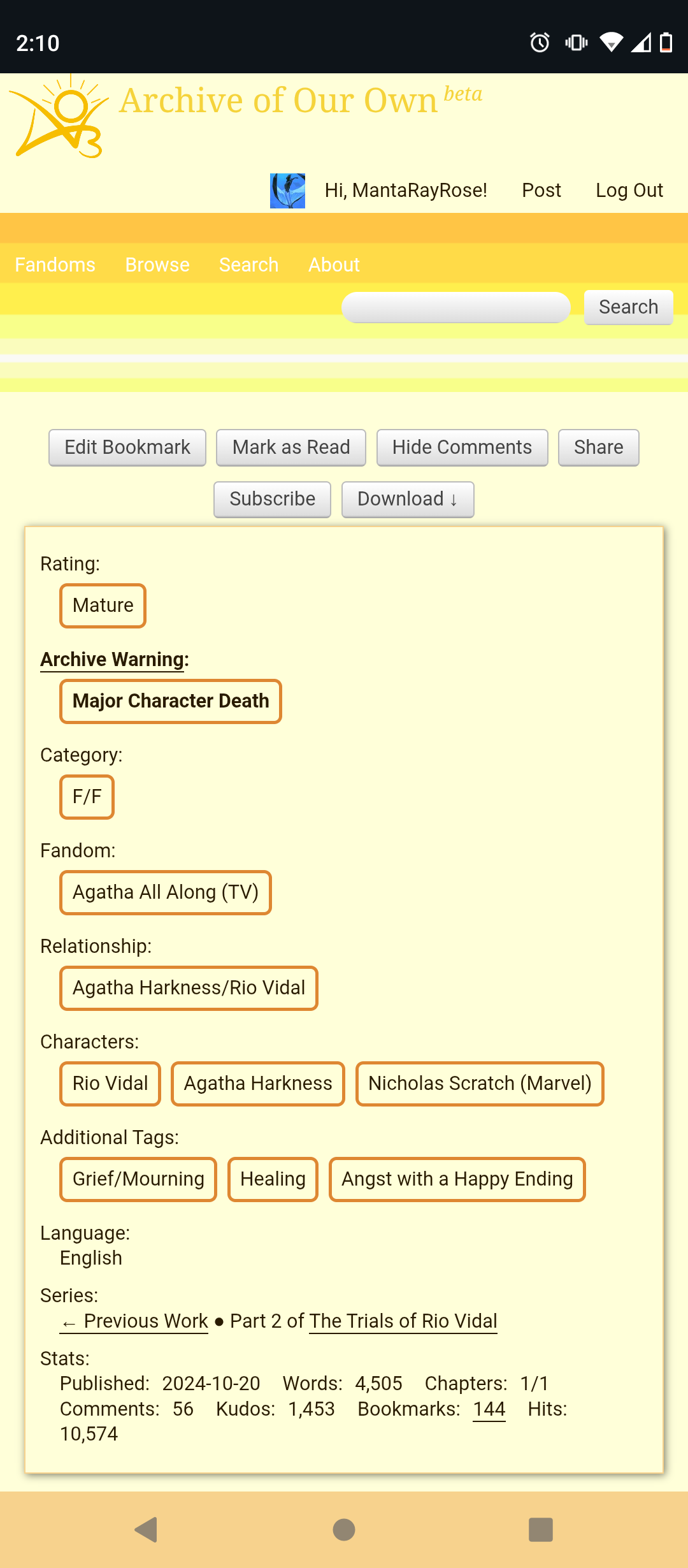
PC
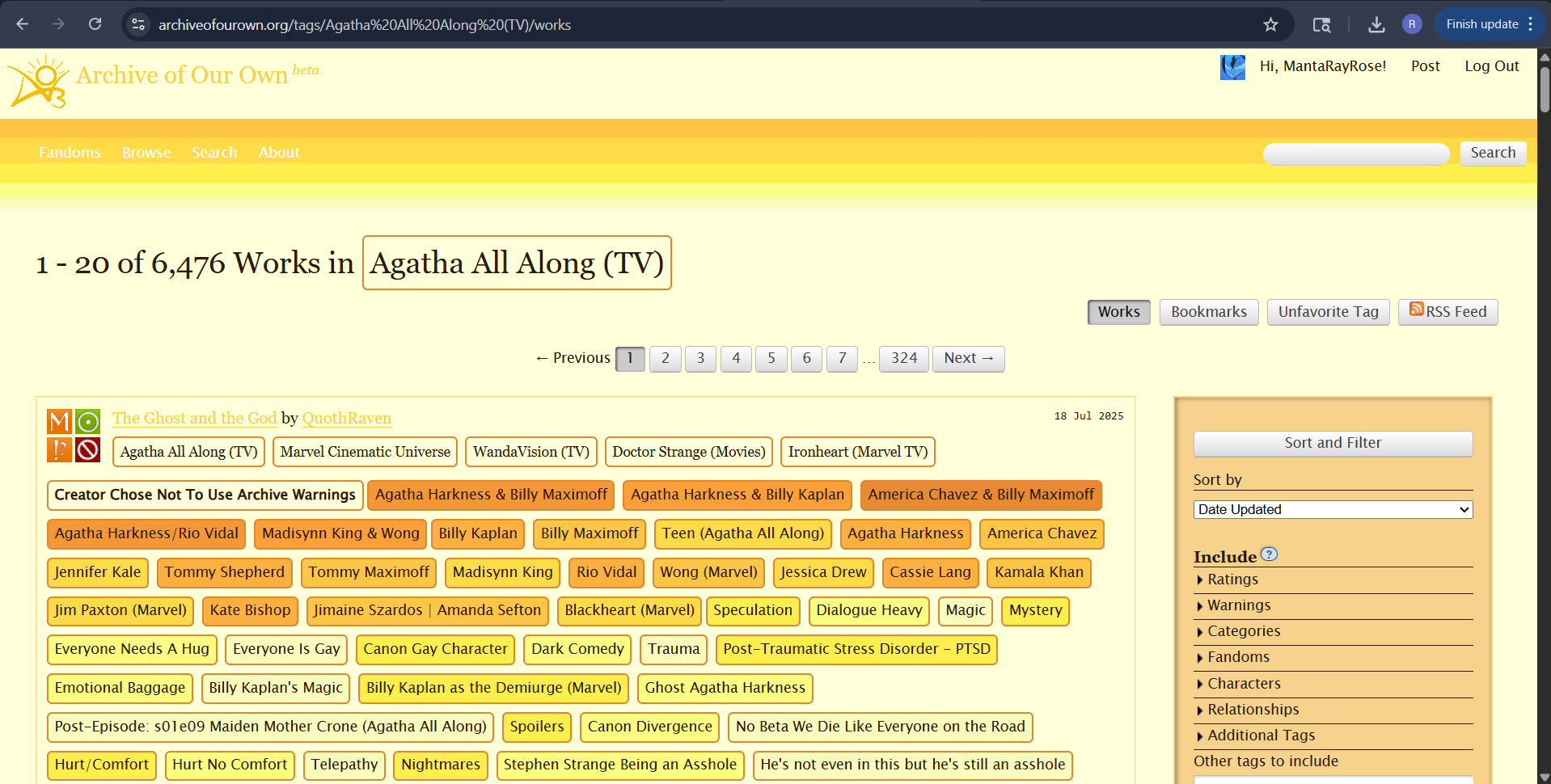
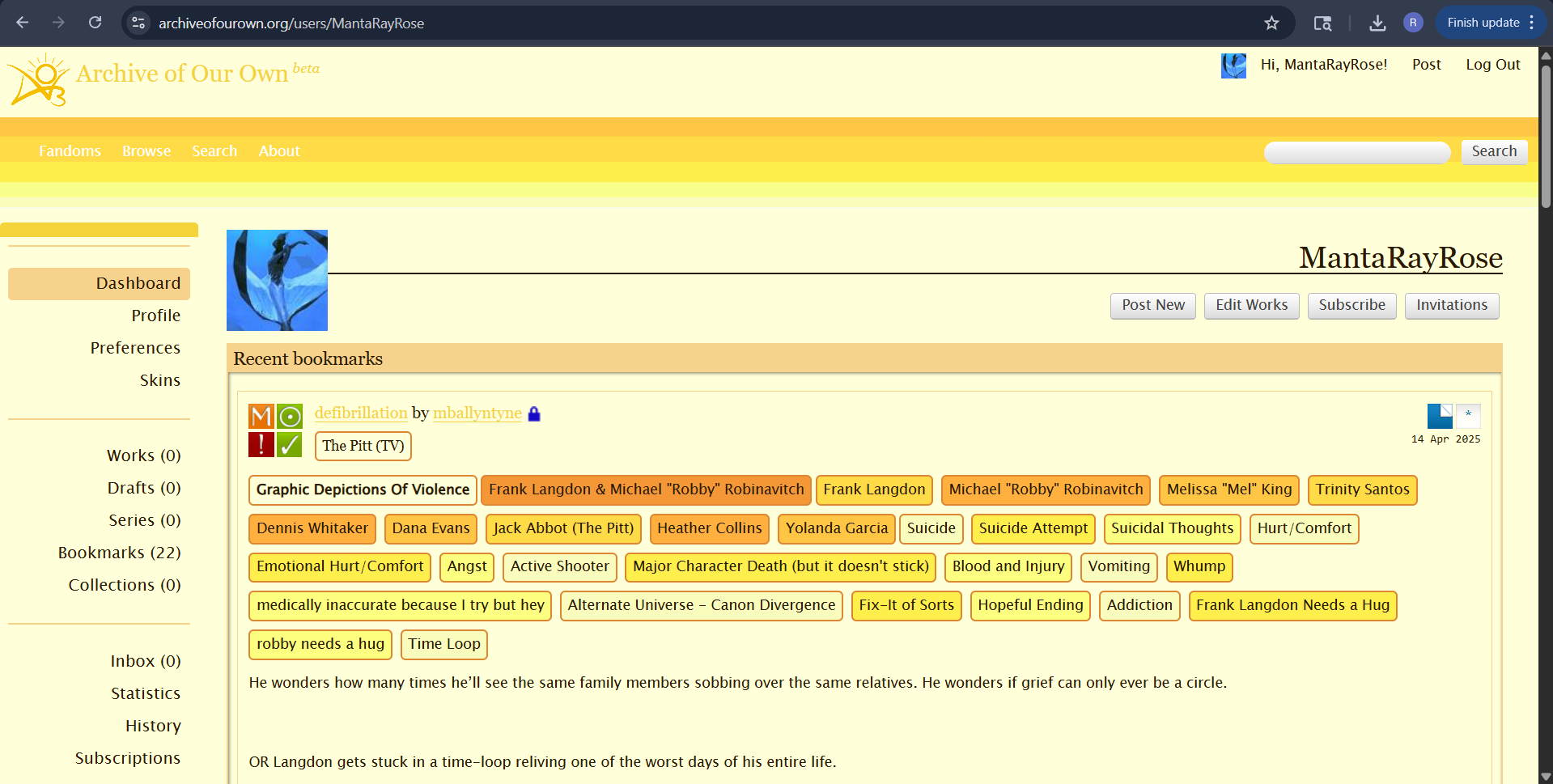
Install Instructions:
- Make sure you're logged in your account on AO3
- Go to my dashboard and then click on Skins (in the menu on the right)
- Click on the button create new skin
- Make sure Type is Site Skin
- Add a Title to your skin
- Copy and paste the CSS into the CSS Box
- Go to Wizard and copy and paste the hex codes into their respective space
CSS (Copy & Paste the Following <3):
a.tag,
a.tag:visited,
a.tag:link {
display: inline-block;
padding: 3px 6px;
margin: 4px 0px;
border: 2px solid #DE8732;
border-radius: 5px;
}
.commas li:after {
content: "";
}
h5.fandoms.heading {
color: transparent;
}
.favorite a.tag {
border: none;
}
.tags li.relationships:nth-of-type(3n+1) a.tag {
background-color: #E88A30;
}
.tags li.relationships:nth-of-type(3n+2) a.tag {
background-color: #F49737;
}
.tags li.relationships:nth-of-type(3n+3) a.tag {
background-color: #FF9F38;
}
.tags li.characters:nth-of-type(3n+1) a.tag {
background-color: #FFB03F;
}
.tags li.characters:nth-of-type(3n+2) a.tag {
background-color: #FFC545;
}
.tags li.characters:nth-of-type(3n+3) a.tag {
background-color: #FFDB48;
}
.tags li.freeforms:nth-of-type(3n+1) a.tag {
background-color: #FFEF4D;
}
.tags li.freeforms:nth-of-type(3n+2) a.tag {
background-color: #FCFF7F;
}
.tags li.freeforms:nth-of-type(3n+3) a.tag {
background-color: #fafcbd;
}
.tags li.freeforms a.tag:hover, .tags li.characters a.tag:hover,
.tags li.relationships a.tag:hover {
background-color: #900900;
color: white;
}
img.logo {
padding: 10px 70px 7px 0px;
background: url('https://images.squidge.org/images/2025/07/17/Untitled_design__1_-removebg-preview.png');
background-size: 65px;
background-repeat: no-repeat;
width: 0px;
height: 20px;
}
#header ul.primary {
box-shadow: none;
padding-top: 20px;
padding-bottom: 40px;
background: #FCC191 url(https://images.squidge.org/images/2025/07/17/pixil-frame-0-5.png);
}
WIZARD SETTINGS:
Background color: #ffffd9
Text color: #291b01
Header color: #f5d33b
Accent color: #f7d28d