Actions

Work Header

[Site Skin] The Sith Order

Summary:

A dark mode site skin inspired by Star Wars, the Sith Order, and lightsabers!

Features:

  • Custom images in header and footer
  • Tags coloured by category
  • Long tag sections are scrollable
  • Previous/next buttons replaced by arrow buttons
  • Custom error pages
  • Form label + input pairs are outlined together
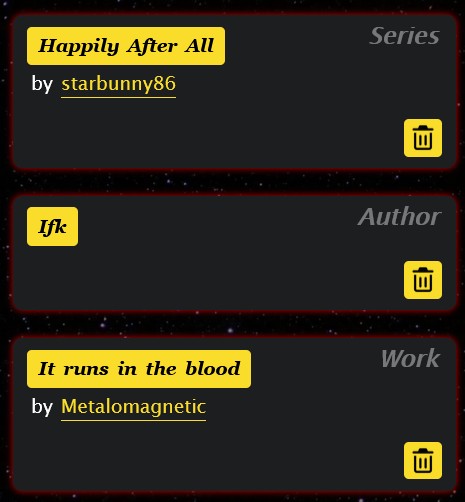
  • Improved "Subscriptions" page layout
  • Favourite tags are decorated with Aurebesh letters
  • Icons for stats and some menu items
  • Custom horizontal divider
  • Custom kudos icon

... And more!

Last updated: 29th March 2026

Notes:

I love Star Wars and its aesthetic, especially the Sith and other dark side force users, so here's a skin for them!

(See the end of the work for more notes.)

Work Text:

Code

You can find all the code in my GitHub repository. Some comments are included in the code, and I have specifically added "EDIT" comments in places that are intended to be easy to modify for your wants and needs.

GitHub keeps track of all changes. If you're curious about what changes are made to the skin—as I adjust for fixes, improvements, and changes made by AO3—you can find the information there. It contains info on when it was changed and what was changed.


Preview

You can find more preview images in the _images folder on GitHub. 

Click to expand previews

Desktop
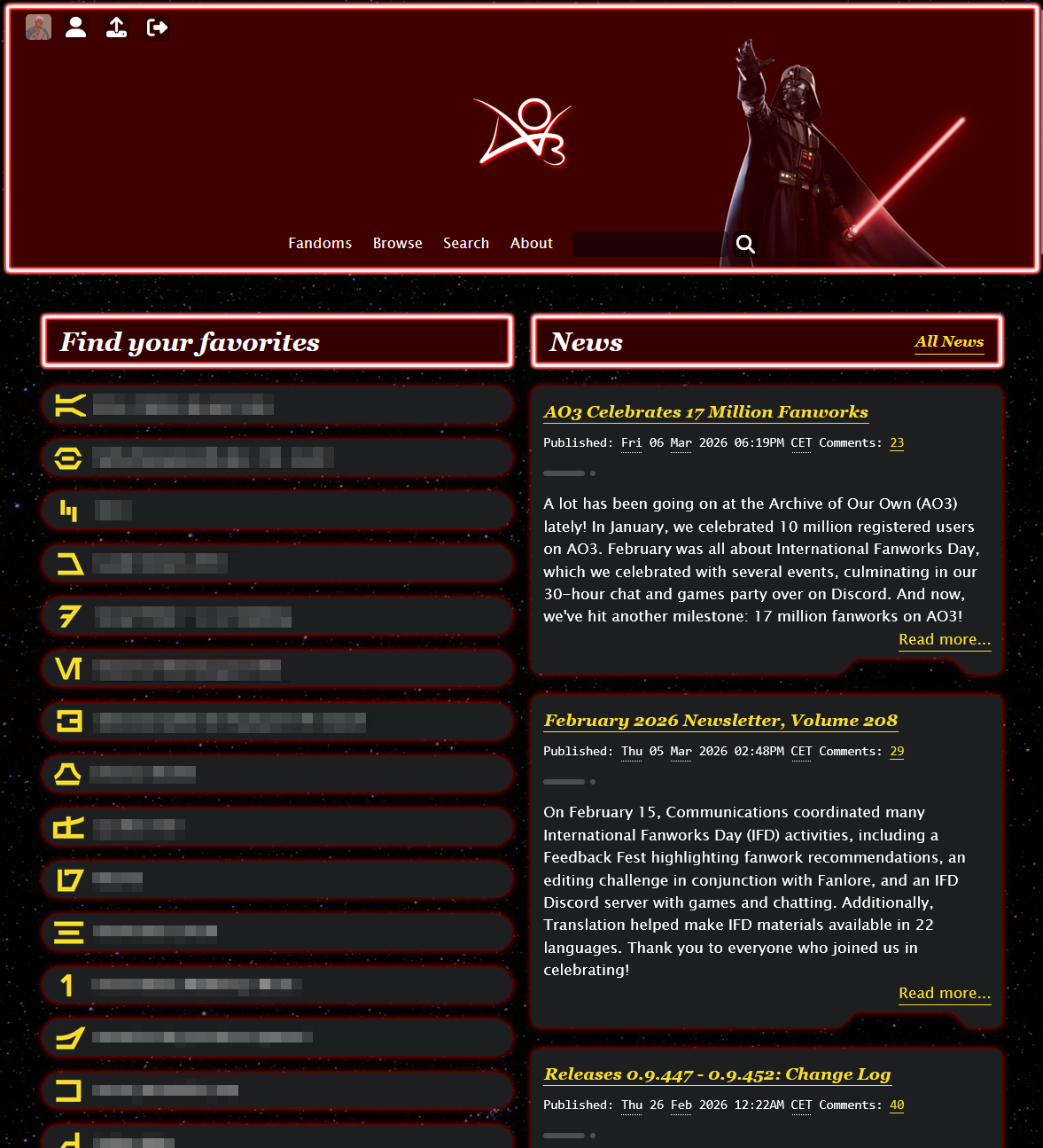
Home page showing header with Darth Vader, favourite tags, and news

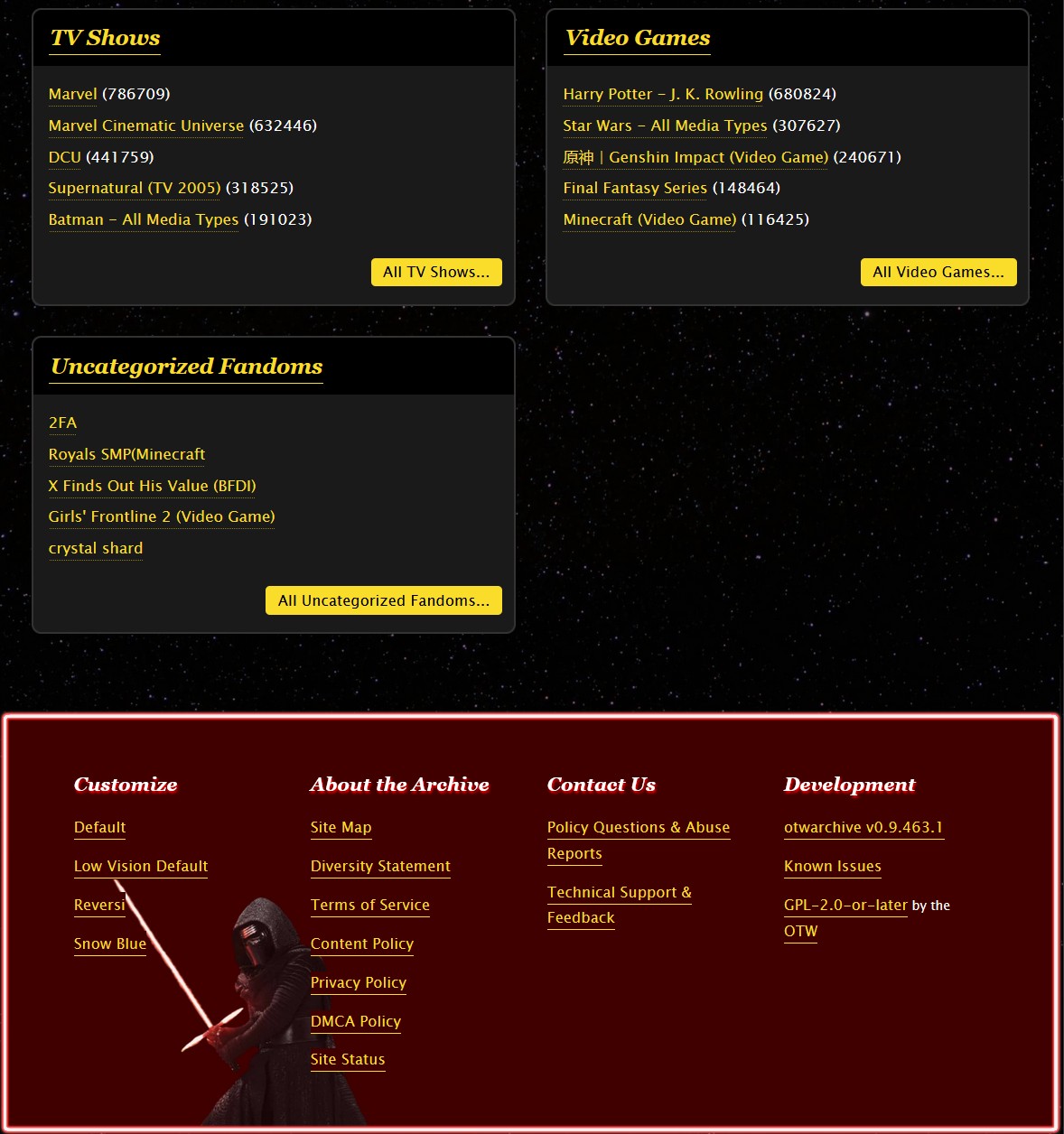
Fandom page showing fandoms and footer with Kylo Ren

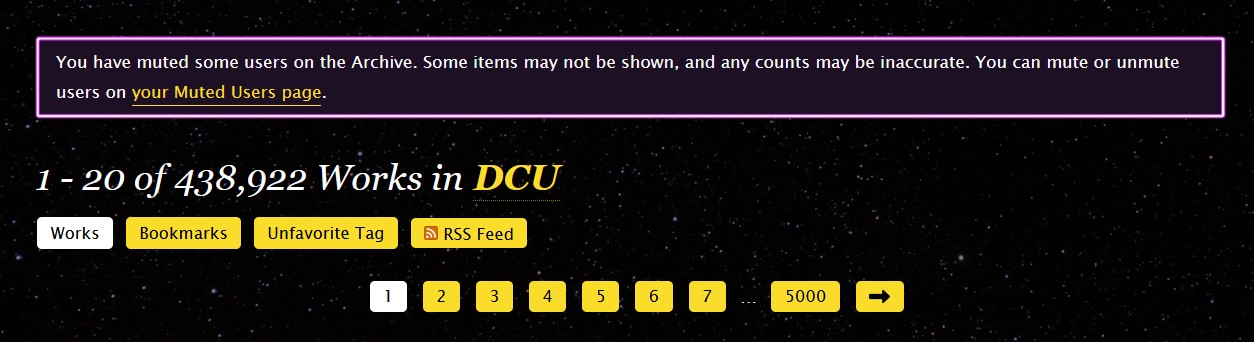
Pagination buttons on the fandom page, showing an alert and the 'next' button being an arrow

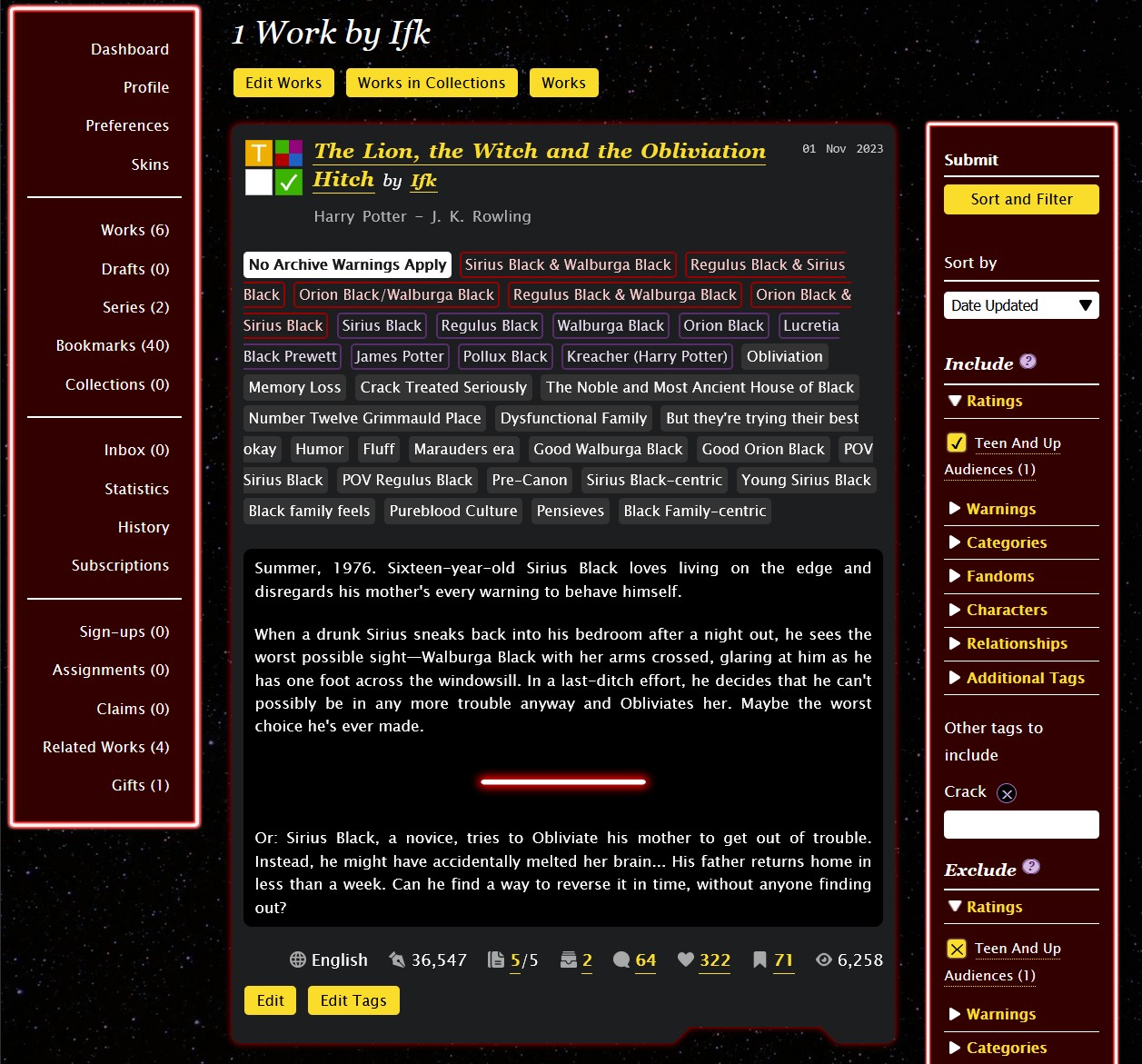
'User's works page showing dashboard menu, filters and a work

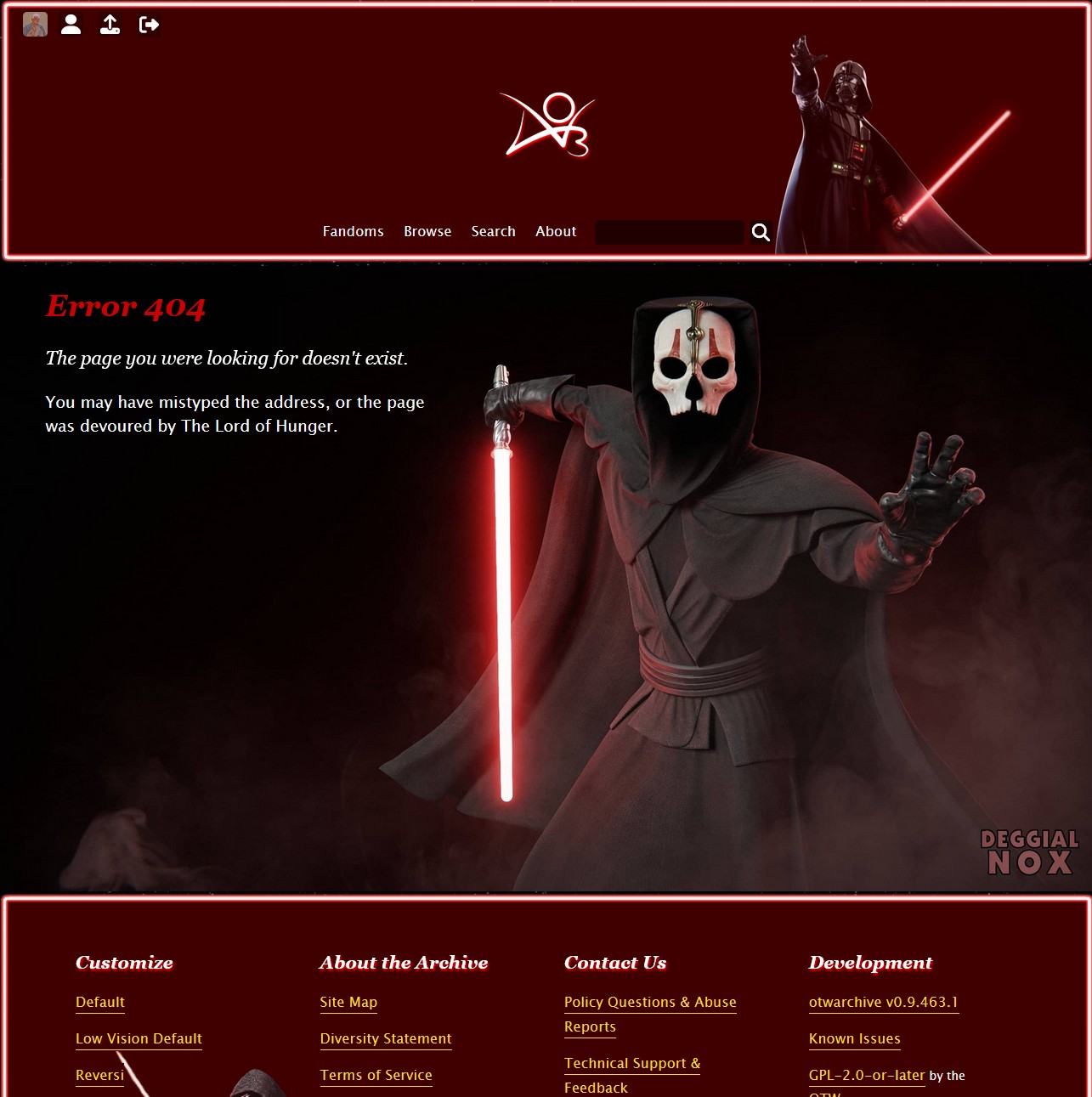
Error 404 (Page not found) page with Darth Nihilus, aka the Lord of Hunger

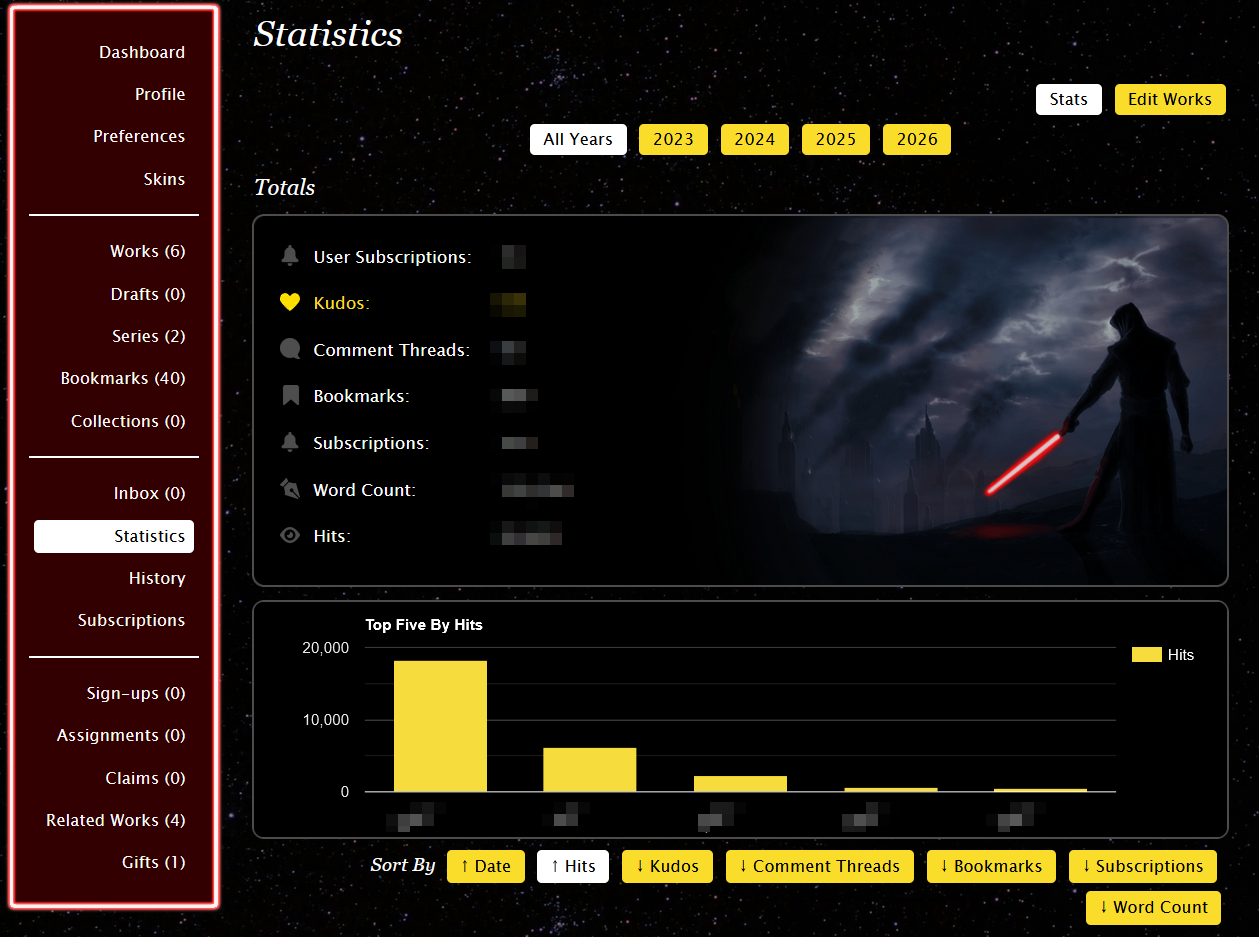
Statistics page with an unnamed sith

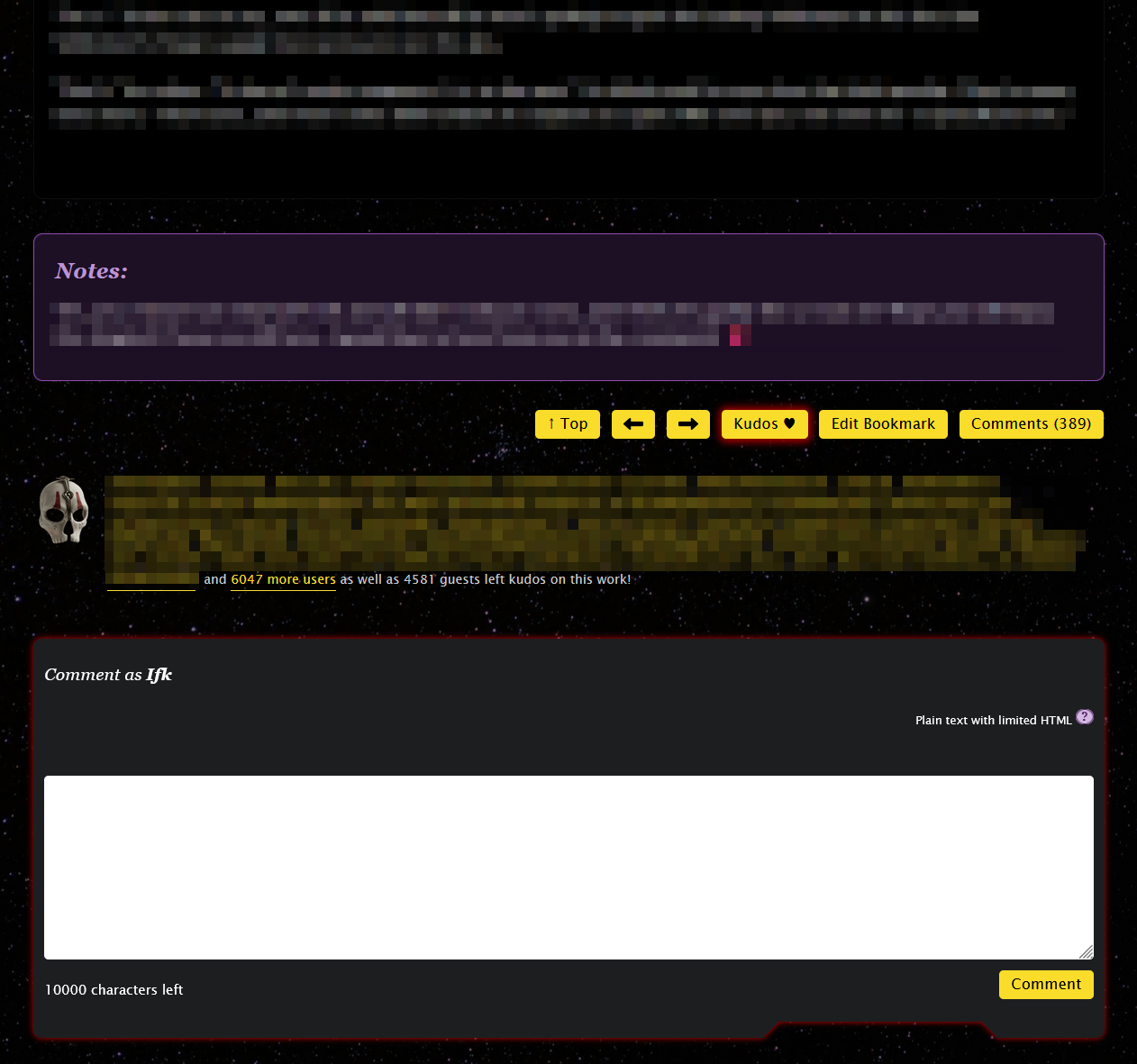
Work page showing body, notes, comment textarea, and kudos section with Darth Nihilus' mask as the kudos icon

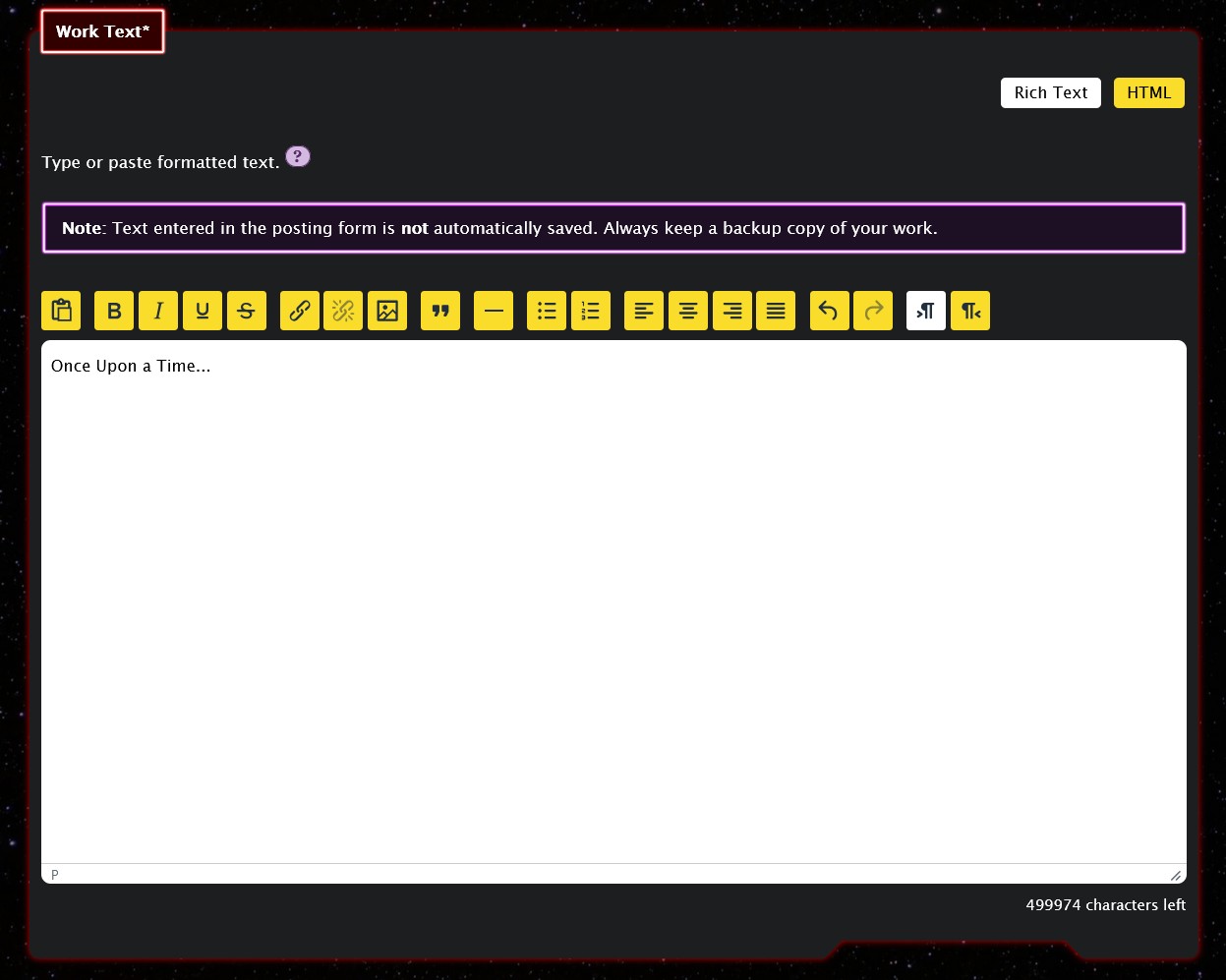
Rich text editor

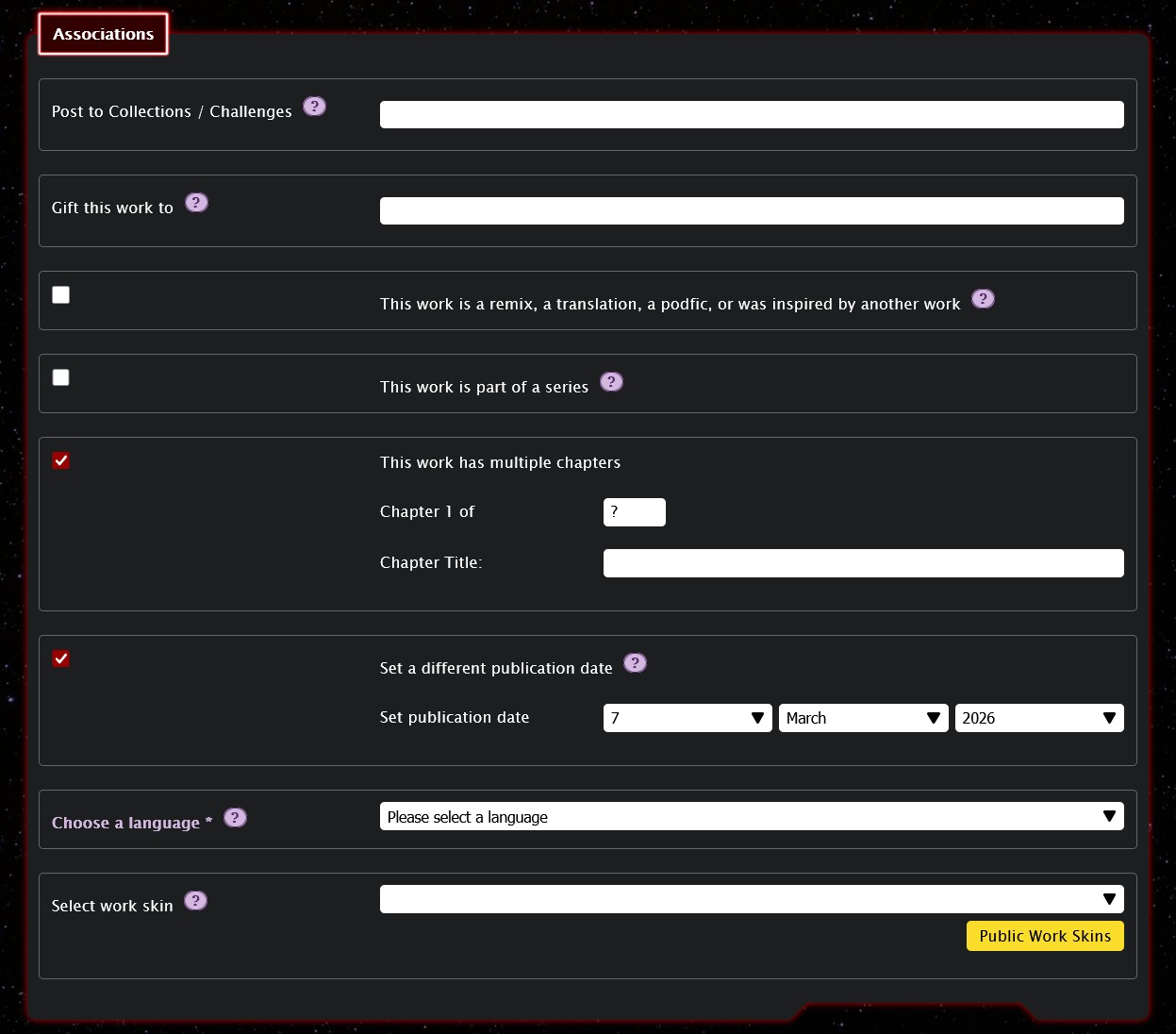
New work form

Mobile

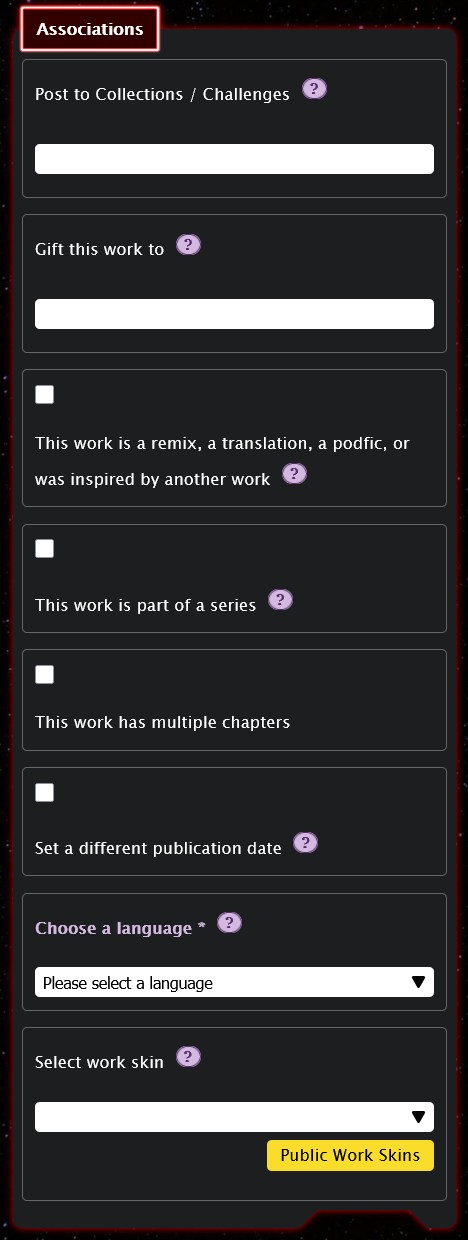
New work form

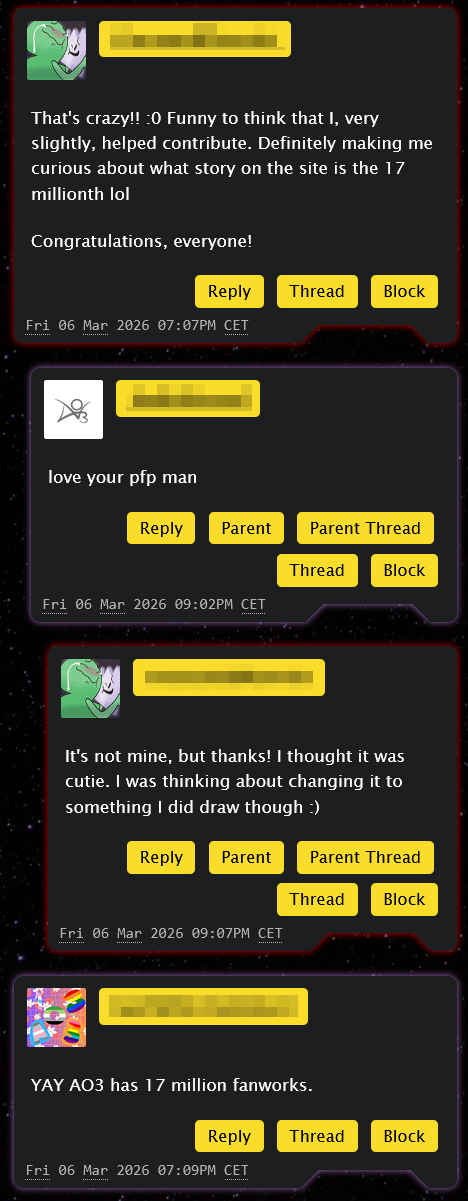
Comments on a news post

Subscriptions page showcasing series, author, and work


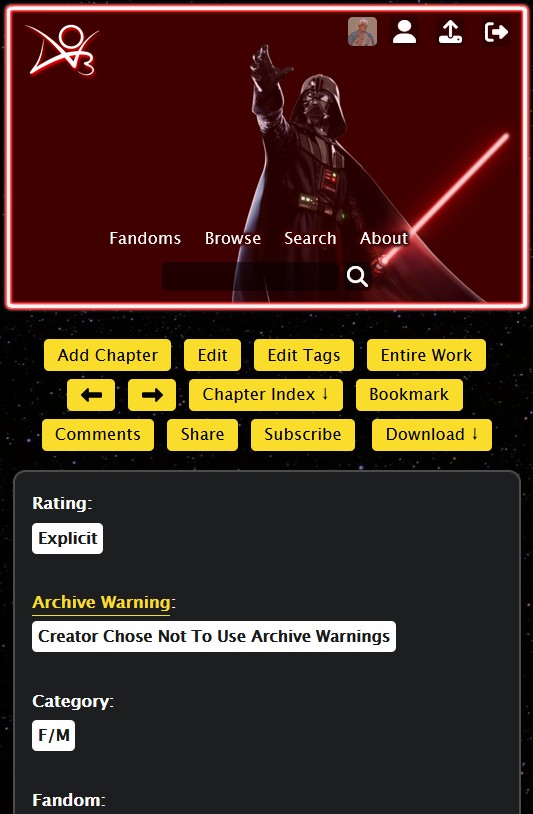
Work navigation showing header, navigation actions including previous/next chapter buttons, and work meta


Instructions

In the README.md file, you will find detailed instructions on how to create and apply my site skin. Please read these.

There are three files (desktop, tablet, and mobile). Desktop is always required, and the other two are technically optional, but I recommend to always use all three any way for the smoothest experience.


Short instructions here:

  1. Create three separate site skins (desktop, tablet, mobile). Mobile and tablet first.
  2. Copy and paste the code from GitHub (from the Sith Order folder).
  3. For mobile and tablet, select appropriate @media in the advanced section. Save these skins.
  4. Add the mobile and tablet skins as parents to the desktop skin in the advanced section. Tablet as parent #1, and mobile as parent #2.
  5. Save desktop skin, and then click "use".


Other

Credit goes to:

  • ZerafinaCSS for AO3 image set and stats icons
  • Deggial Nox for sith images (error pages)
  • James H for sith art (statistics page)
  • Wikimedia Commons for Aurebesh (home page)
  • Font Awesome for various icons (header menus, buttons, inputs)

Additionally, all the images used for this skin are hosted on Squidge Images and ImgBB.

Notes:

I will occasionally fix and improve the skin, so I recommend bookmarking it and adding a note about when you last updated it, so you can compare 😊

If you try out the skin, I would love to hear your thoughts on it. I am open to questions, feedback and requests.

Series this work belongs to: